Summary
The Inventory by Day report, found under Reports > Inventory > By Day, is designed to provide a more granular view of projected inventory inventory counts for the upcoming week. It factors in when POs, SOs, and transfers are due to be processed, instead of aggregating all future inventory movement into a single "available to sell" quantity.
How the Report Works
The report has three general groupings of inventory counts:
- Today: shows on-hand, incoming, allocated, shipped, and end-of-day on-hand quantities
- Tomorrow -> T+6 days: shows incoming, allocated, and end-of-day on-hand quantities
- 7+days: shows total incoming and allocated quantities
Today
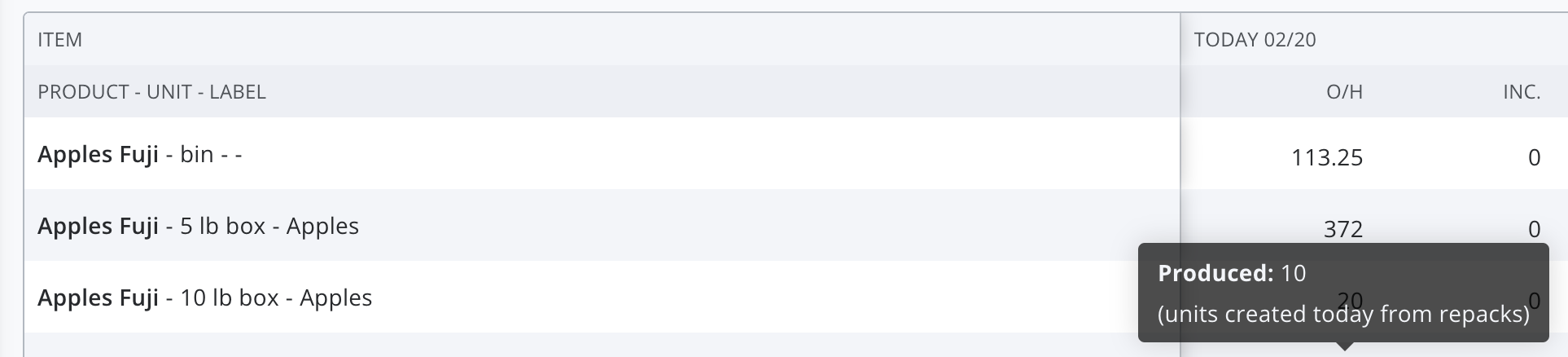
- On hand (O/H): This is the current total number of units physically on hand. If there are units that have been created today by a repack, they will be shown in a tooltip.
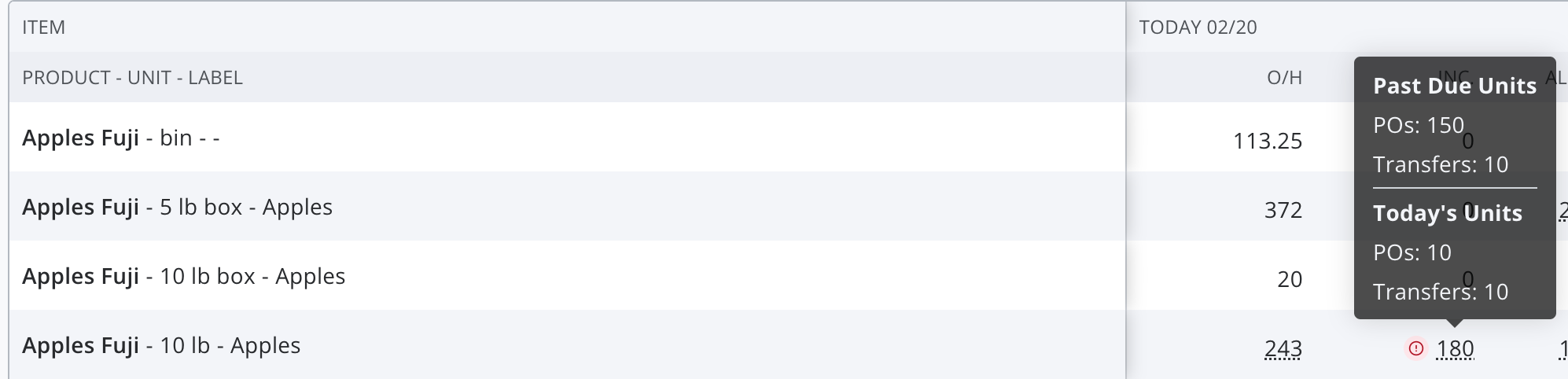
- Incoming: This is the total number of units expected to arrive today (or earlier) via unreceived POs and transfers. The tooltip provides a detailed breakdown of where inventory is expected to come in. A red warning icon will appear next to the value if there are any incoming units that are past due.
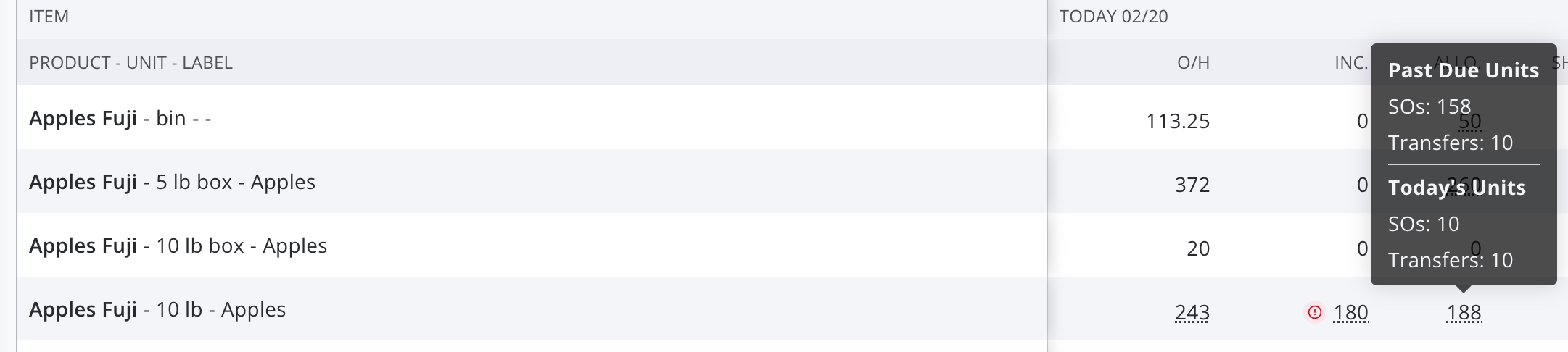
- Allocated: This is the total number of units expected to depart today (or earlier) via unfulfilled SOs and transfers. The tooltip provides a more detailed breakdown of where inventory is expected to go.
- Shipped: This is the number of units that were shipped out today—in other words, units from SOs that were fulfilled today and transfers that were received today. The tooltip provides a breakdown of how many units are from SOs and how many are from transfers.

- End-of-day on hand (EOD O/H): This is the expected on-hand quantity as of the end of the day, assuming all incoming units are received as expected and all allocated units are shipped out. This value is calculated as O/H + Incoming - Allocated.
Tomorrow -> T+6
- Incoming: This is the total number of units expected to arrive on this day via future POs and transfers.
- Allocated: This is the total number of units expected to ship out on this day via future SOs and transfers.
- EOD O/H: This is the expected end-of-day on-hand quantity, assuming that all POs, SOs, and transfers are completed on their requested date. This value is calculated as Previous Date's O/H + Incoming - Allocated.
7+ days
- Incoming: This is the total number of units expected to arrive on POs and transfers whose requested dates are at least 7 days in the future.
- Allocated: This is the total number of units expected to ship out on SOs and transfers whose requested dates are at least 7 days in the future.
Additional Features
The report also offers the following filters:
- Item: free-text search that filters to any items that include the specified string in their product, unit, or label
- On-hand quantity: can filter to items with positive, negative, or zero on-hand units
- Vendor: filters to any item with at least one open lot from the selected vendors
- Location: if your organization is using the Multiple Locations feature, you can filter to any item with at least one open lot in the selected location
- Department: if your organization has at least one department configured, you can filter to any item with a product in the specified department
- Produced in the last 30 days: filters to items that were the output of a repack in the last 30 days