If you are a customer of a Silo user trying to pay an invoice or statement online, take the following steps to update the payment method used to submit digital payments:
- Press the Pay invoice or Pay statement button in the email to access payment portal
- Complete the SMS authentication
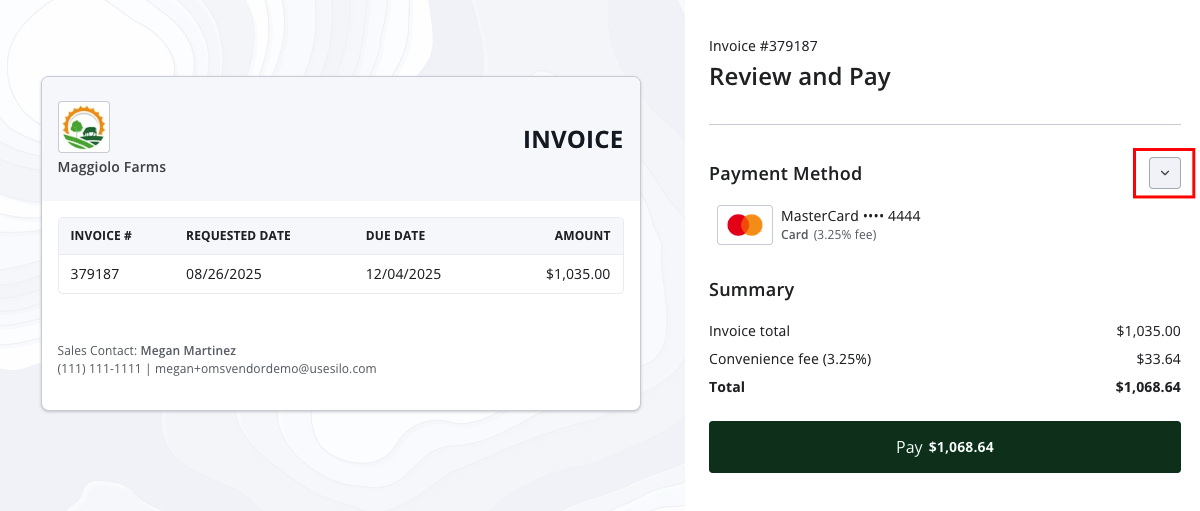
- Expand the Payment Method section
- Choose either Add bank account or Add card
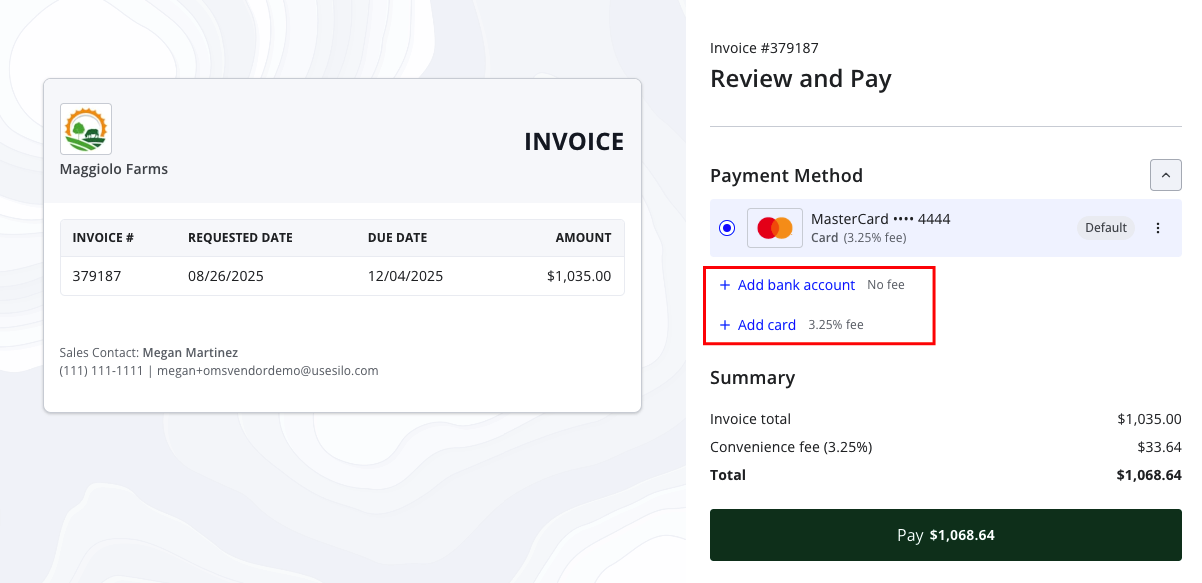
- Follow the steps on the screen to add your new payment method