What Is Vendor Portal?
Vendor Portal allows you to provide your vendors with a read-only portal displaying PO details (including attachments), related expenses, and lot performance, updated in real-time through Silo.
To share a PO attachment to Vendor Portal:
- Navigate to the Orders > Purchase Orders > All Orders screen
- Locate and open your order
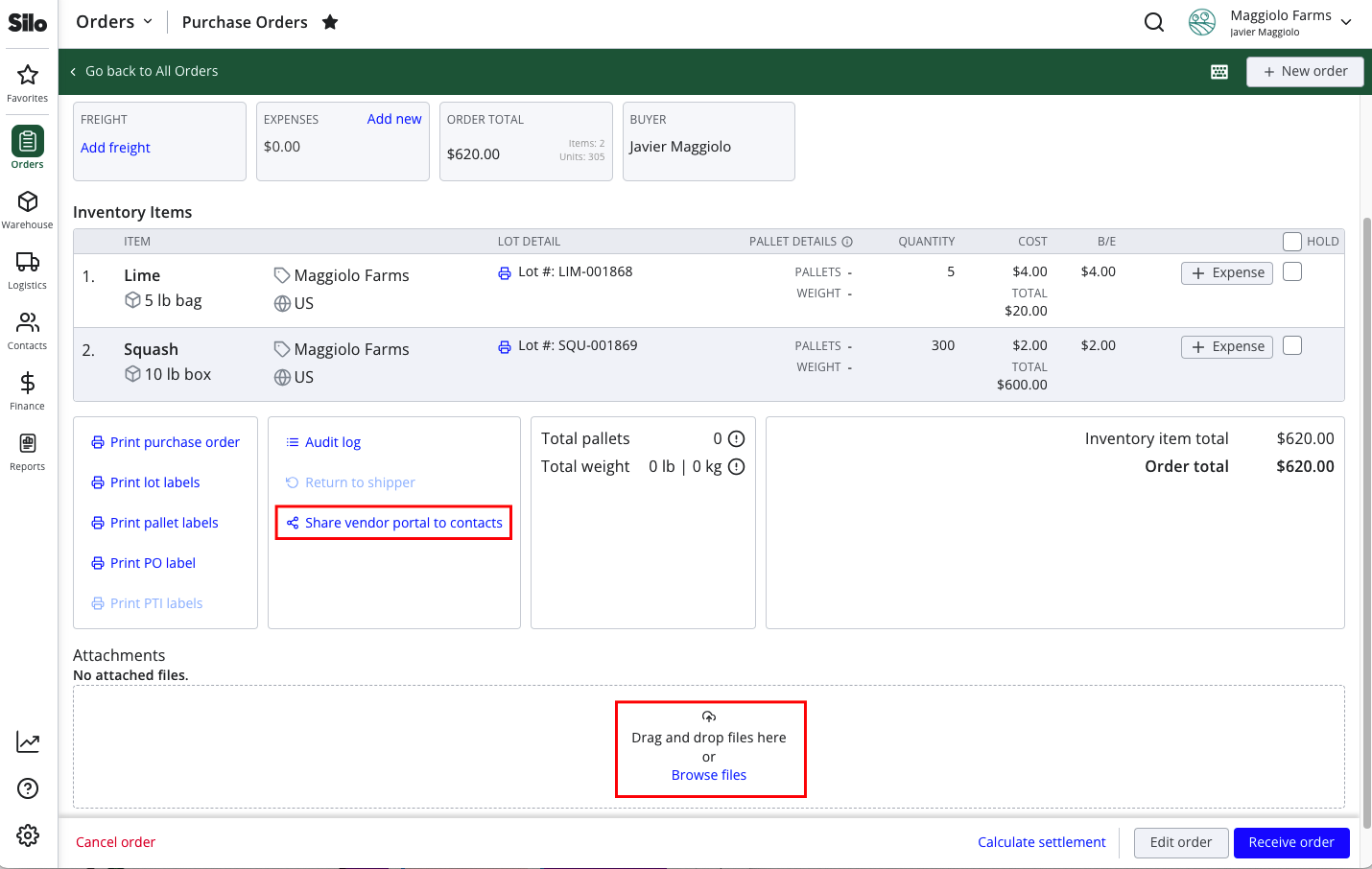
- Find the Attachments section and either press Browse files or drag and drop files into the box
- View the share icon beside the attachment. If it is blue, the attachment is shared with vendors in Vendor Portal. If it is black, it is only visible internally. Click the icon to toggle between shared and not shared.
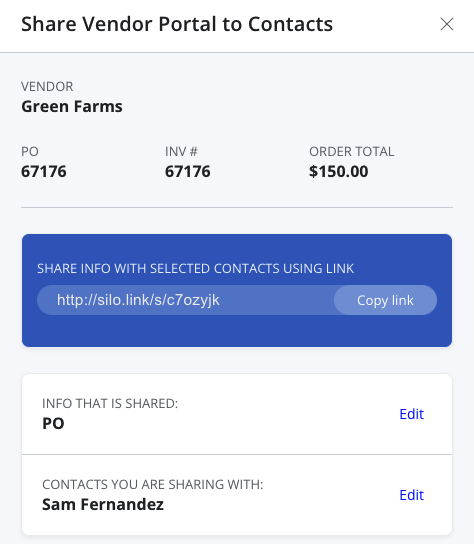
- If needed, press Share vendor portal to contacts to send (or resend) a Vendor Portal link to the PO vendor's contacts