To price and publish items on a price sheet:
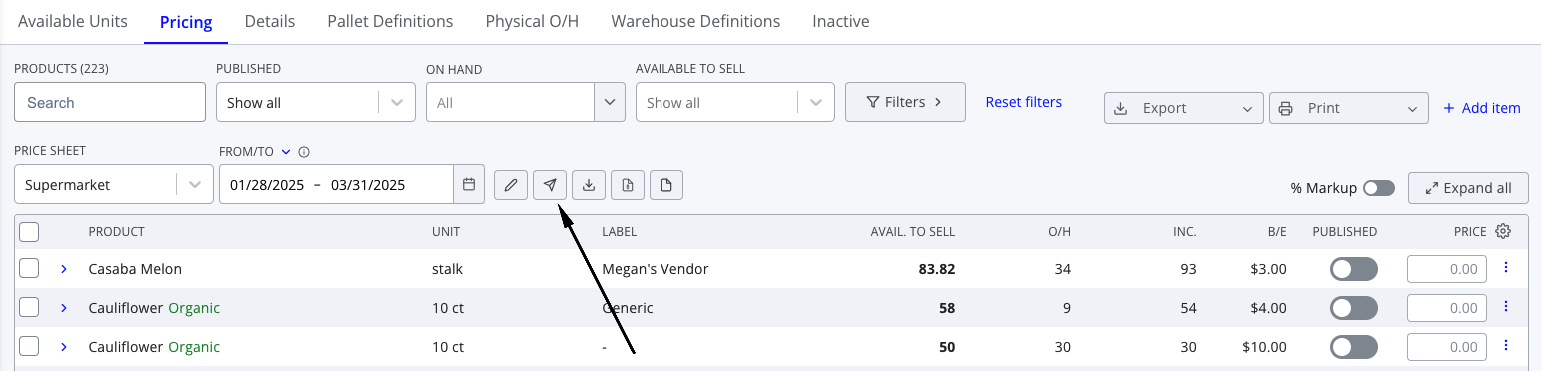
- Navigate to Warehouse > Inventory > Pricing
- Select the relevant price sheet from the dropdown below the filters
- Find the relevant item in the table and ensure the correct price is entered. If not, either edit the price field directly or click the pencil icon to edit.
- Once the item is correctly priced, press the toggle in the Published column to publish that specific item. When the toggle is blue, the price is published.
- Alternately, you can use the checkboxes on the left to select items and press Publish items in the footer to publish multiple items at once.
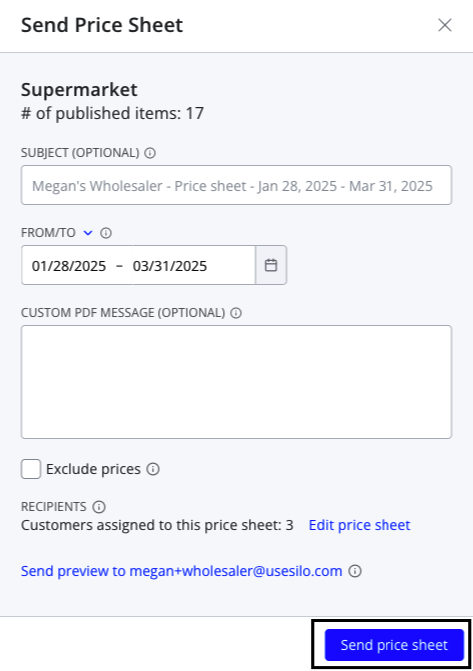
You can also send price sheets to customers by pressing the paper airplane button to the right of the price sheet name.