To automatically print a sales order when it is placed:
- Navigate to Orders > Sales Orders > New Order
- Select the desired customer
- At the bottom of the screen, make sure the Print order when placed checkbox is selected
- Add items as desired and place the order as usual—after the order is created, you should see a print preview window open automatically
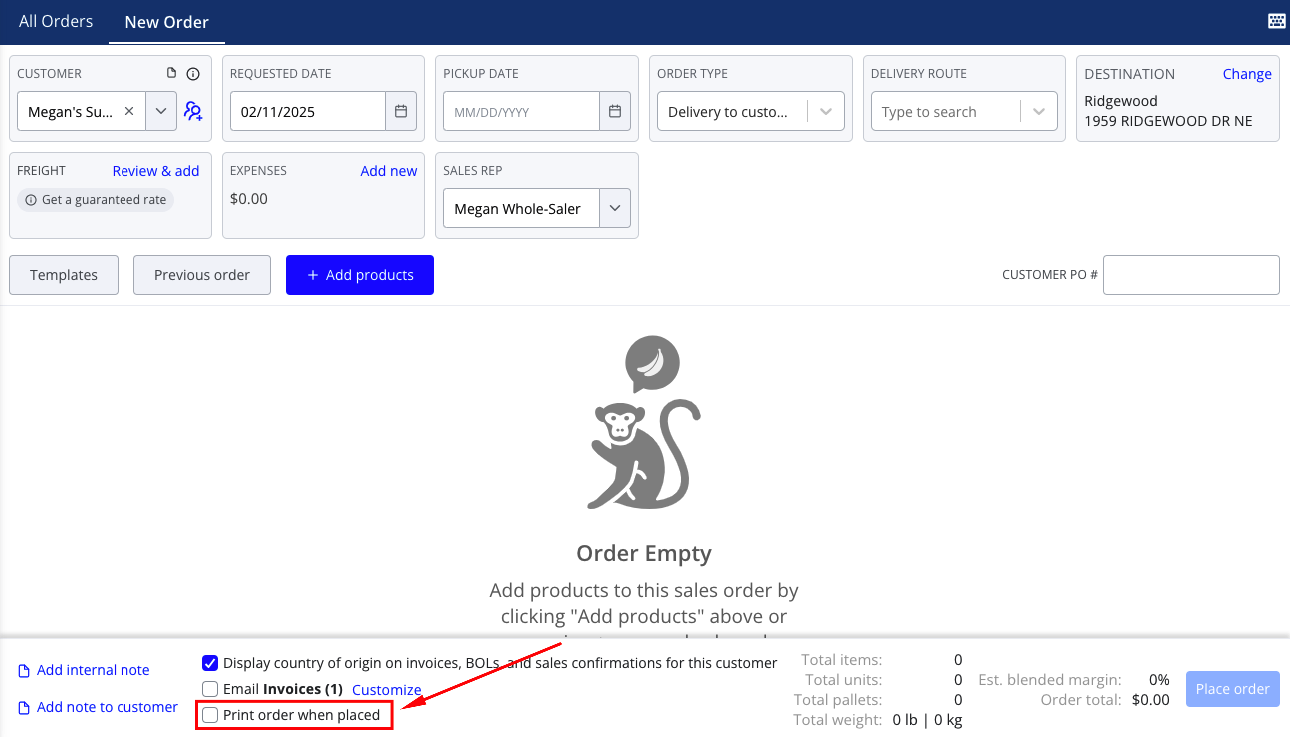
Note that this setting will be remembered for future sales orders. Once the Print order when placed checkbox is selected, Silo will continue to print each newly placed sales order by default unless you unselect it.