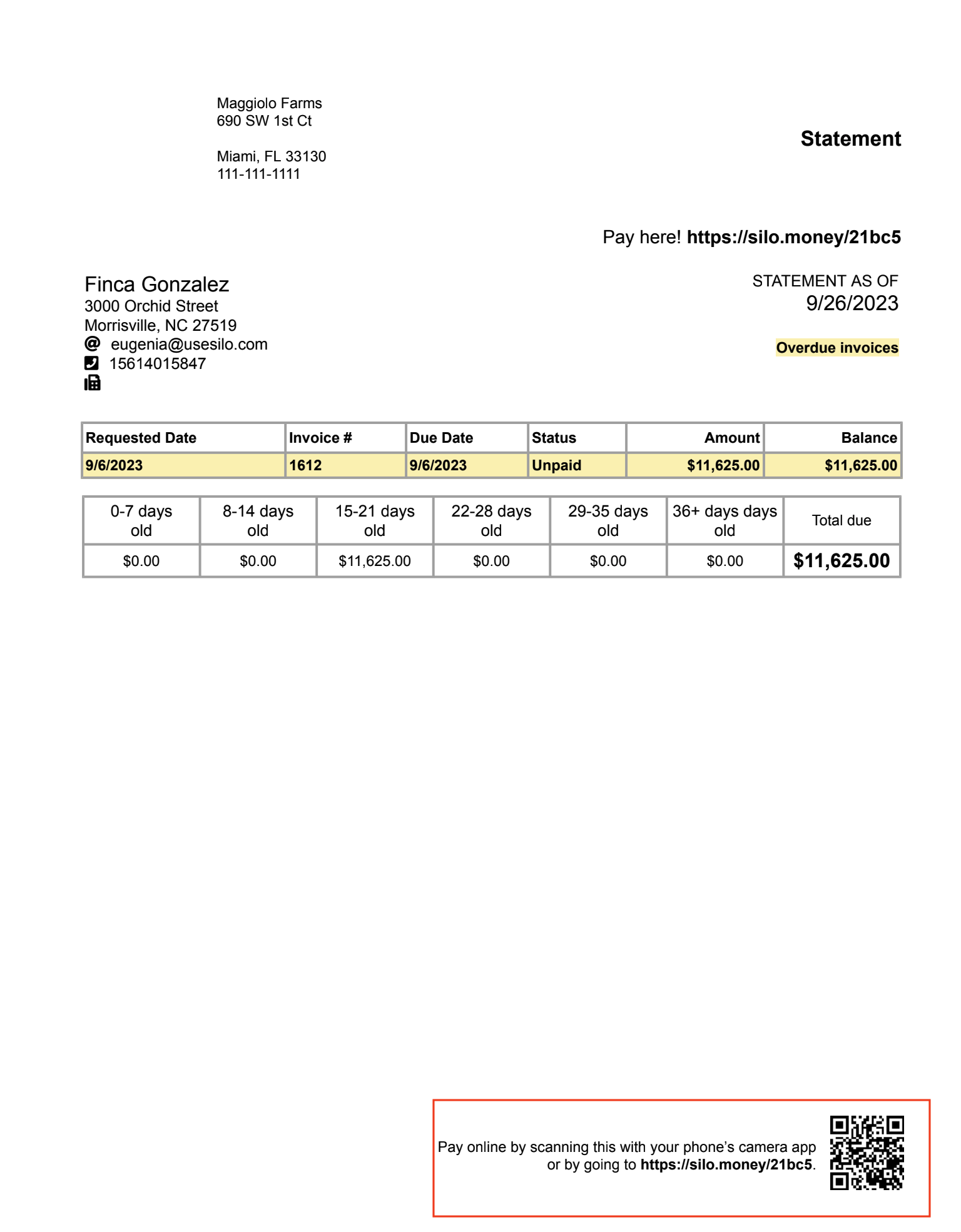
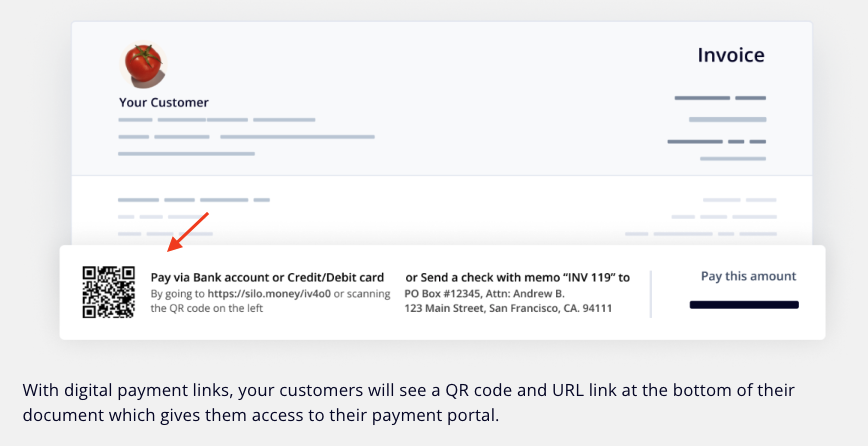
When you email your customer an invoice or statement that includes a digital payment link, the customer can take the following steps to enroll in digital payments:
- Press the link or scan the QR code included in the statement or invoice to access the digital payment portal.
- Complete SMS authentication.
- Link a bank account or enter credit/debit card (our payment processing platform).
- Send a digital payment for one or more invoices.