To make sure Silo is correctly representing your business’s accounting practices, you may need to configure the start date of your fiscal year. This date is set to January 1st by default, but you can modify it to any other date by visiting Settings > Accounting and updating the Fiscal year start date setting.

Note that this setting is only available for users of Silo Accounting who have fully configured their Chart of Accounts.
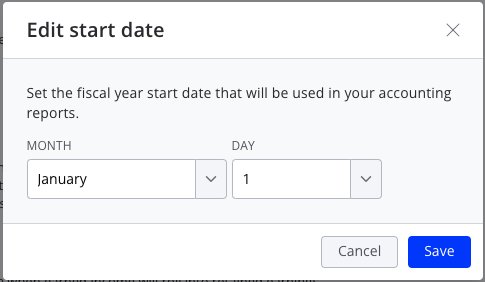
Setting this date will update the logic in the balance sheet report for when Net Income from the previous fiscal year rolls over into Retained Earnings. This is retroactive; updating the date will affect not just your accounting data moving forward but when viewing data from previous years as well. You can modify your start date at any time.