To create a new customer in Silo:
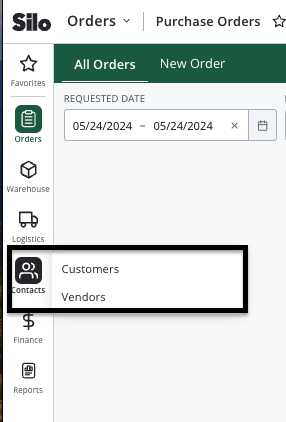
- Navigate to Contacts > Customers
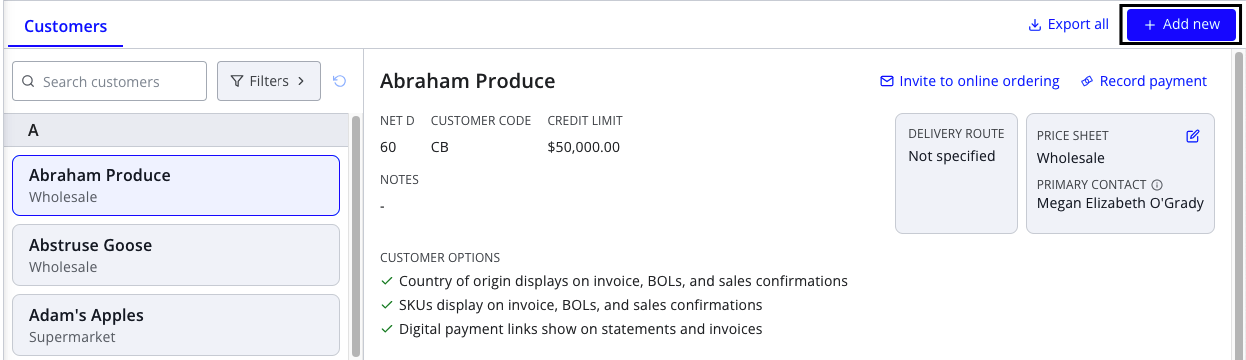
- Press the Add new button in the header
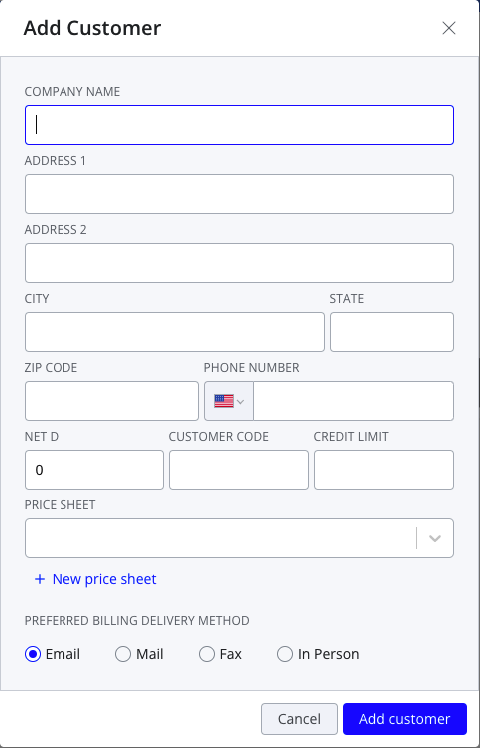
- Enter the required information (company name, net D, and price sheet)
- Press Add customer—you should now see the customer you just created appear in your customer list
To add a new customer while placing a sales order:
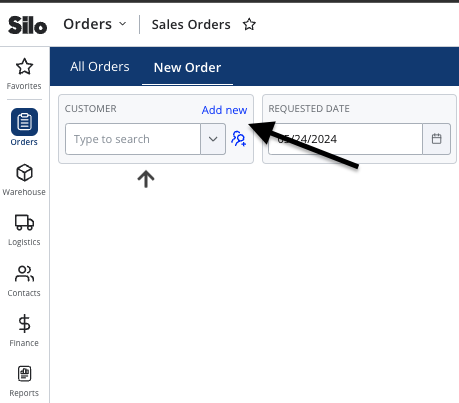
- Navigate to Orders > Sales Orders > New Order
- Press Add new above the Customer field
- Enter the required information (company name, net D, and price sheet)
- Press Add customer—the customer now exists and is automatically selected in the Customer field
For further information on how to edit a customer, see the following article: