Departments allow you to group your products to make it easier for sales teams to find the items they care about. Silo also provides reporting by department to give you visibility into each group's performance.
To create a department:
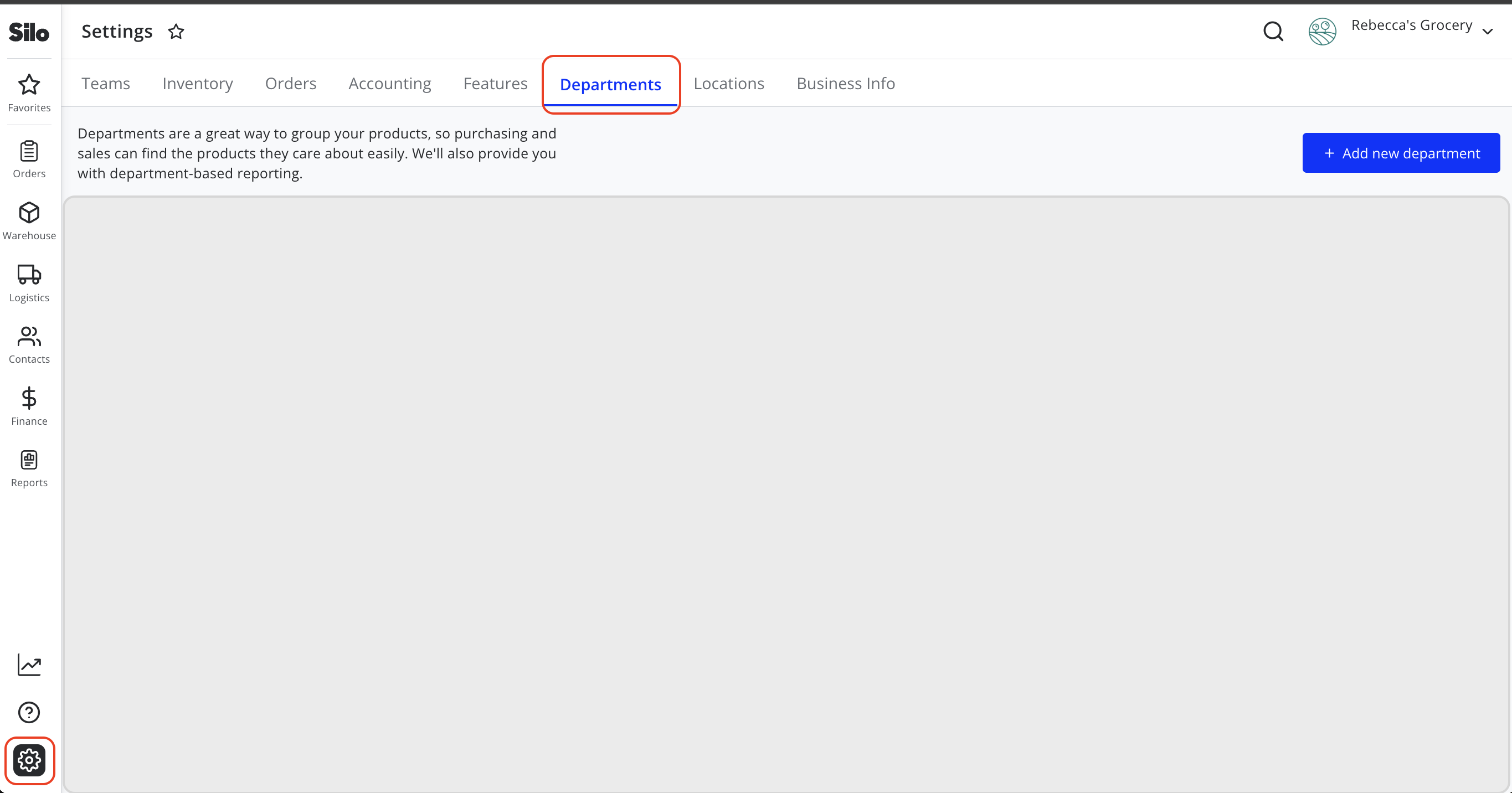
- As an administrator, navigate to Settings > Departments and press Add new department
- Fill in a department name, associated products, and users who belong to the department
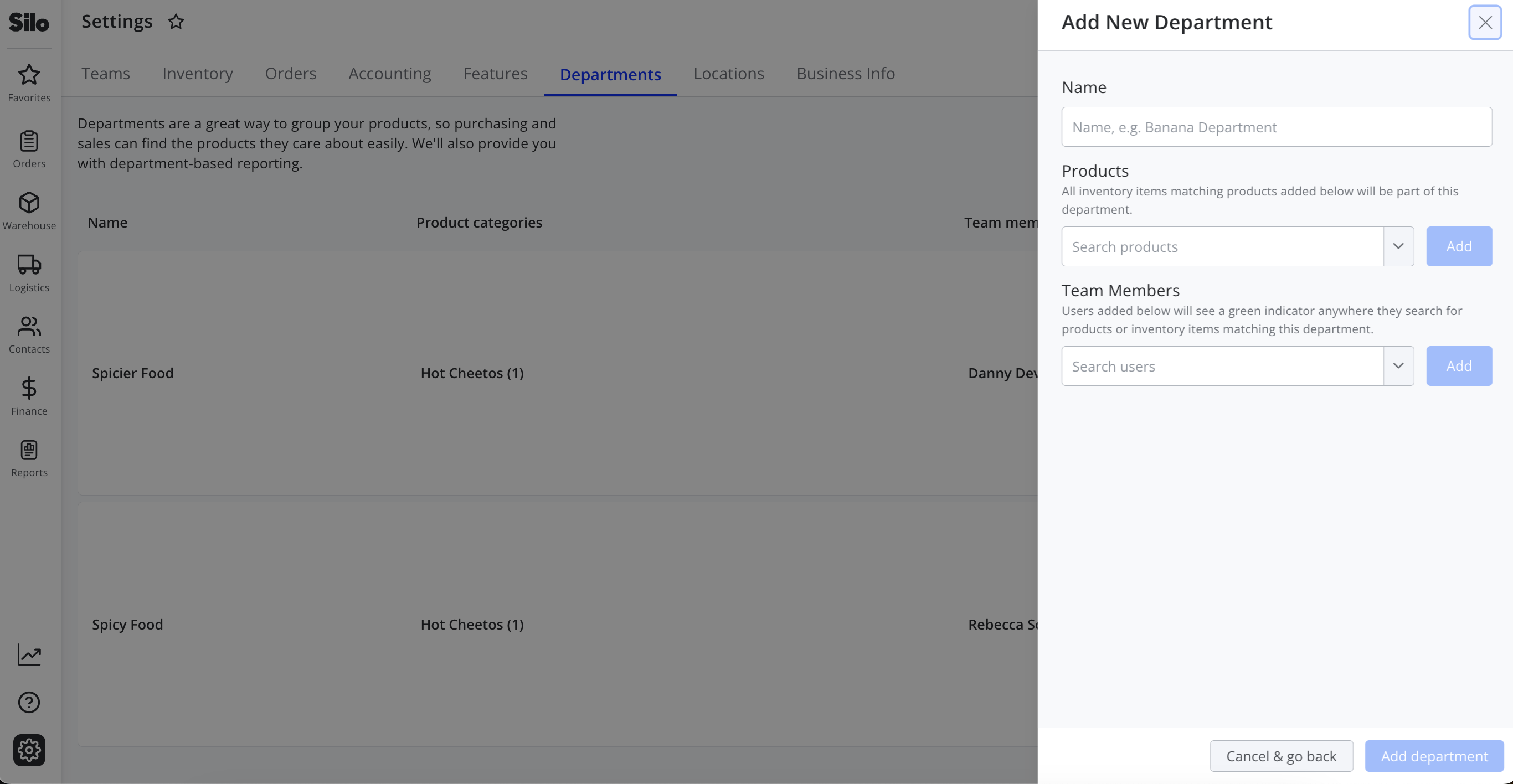
- Press Add department to save your changes
When a user is part of a department, they will see a green circle icon appear next to any products in their department in the SO inventory search window.

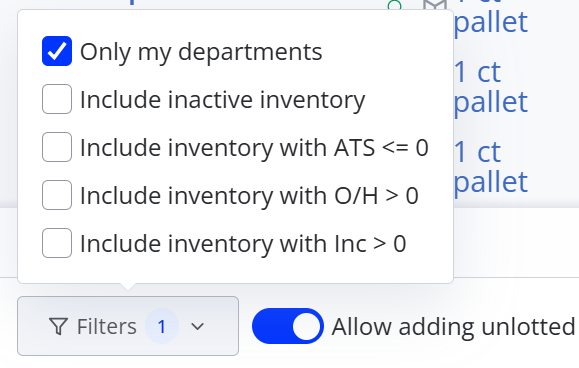
Users also have the option to filter the inventory search window to only products in their departments.
Both users and products can be added to multiple departments. If you bring in new commodities or hire new users, you can always go back and edit existing departments on the Settings > Departments screen. You can also delete departments if they are no longer needed.