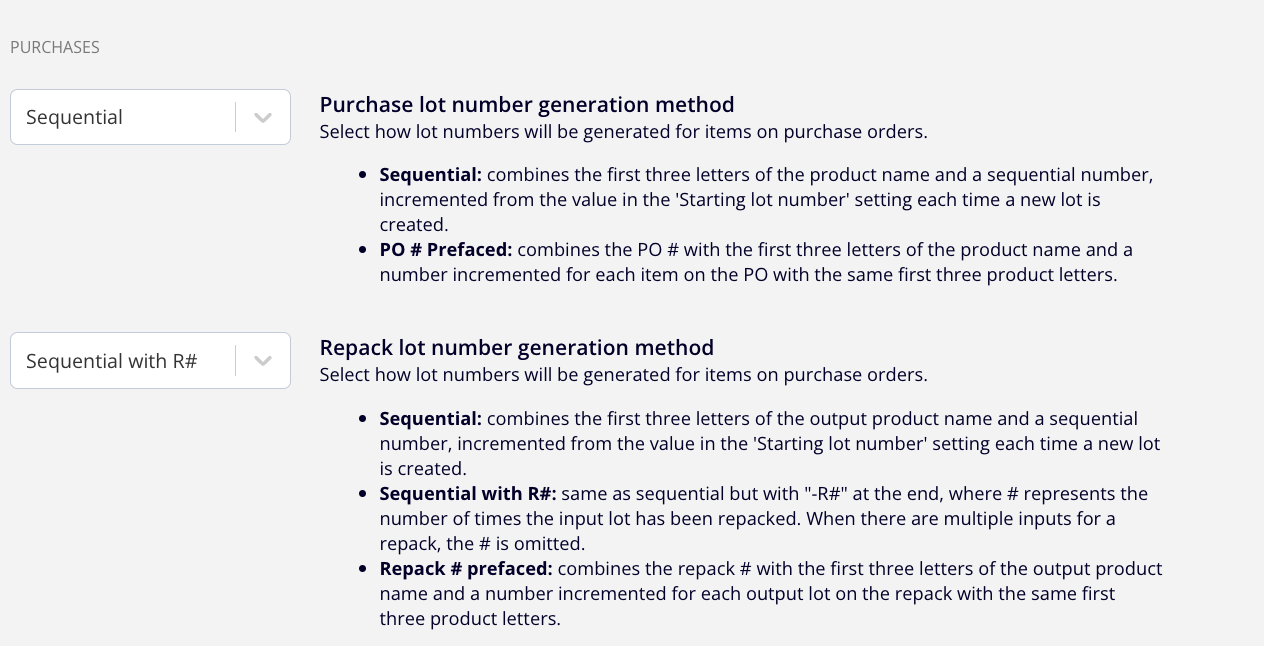
Purchase lot number generation method options
If you'd like to change how the system automatically generates lot numbers for lots created by purchase orders, Silo offers the following options:
- Sequential: combines the first three letters of the product name and a sequential number, incremented from the value in the 'Starting lot number' setting each time a new lot is created.
- PO # Prefaced: combines the PO # with the first three letters of the product name and a number incremented for each item on the PO with the same first three product letters.
To change your setting:
- Navigate to Settings > Inventory
- Under the Purchases section, find and update the relevant setting