On purchase orders, you can document costs and credits for things not related to your inventory by using non-inventory items. These will display on order printouts and affect the order total without impacting inventory or lot performance.
Freight costs can either be added via the Expenses box (if it should affect the break-even price of goods on the order) or via a non-inventory item (if it only affects the order total).
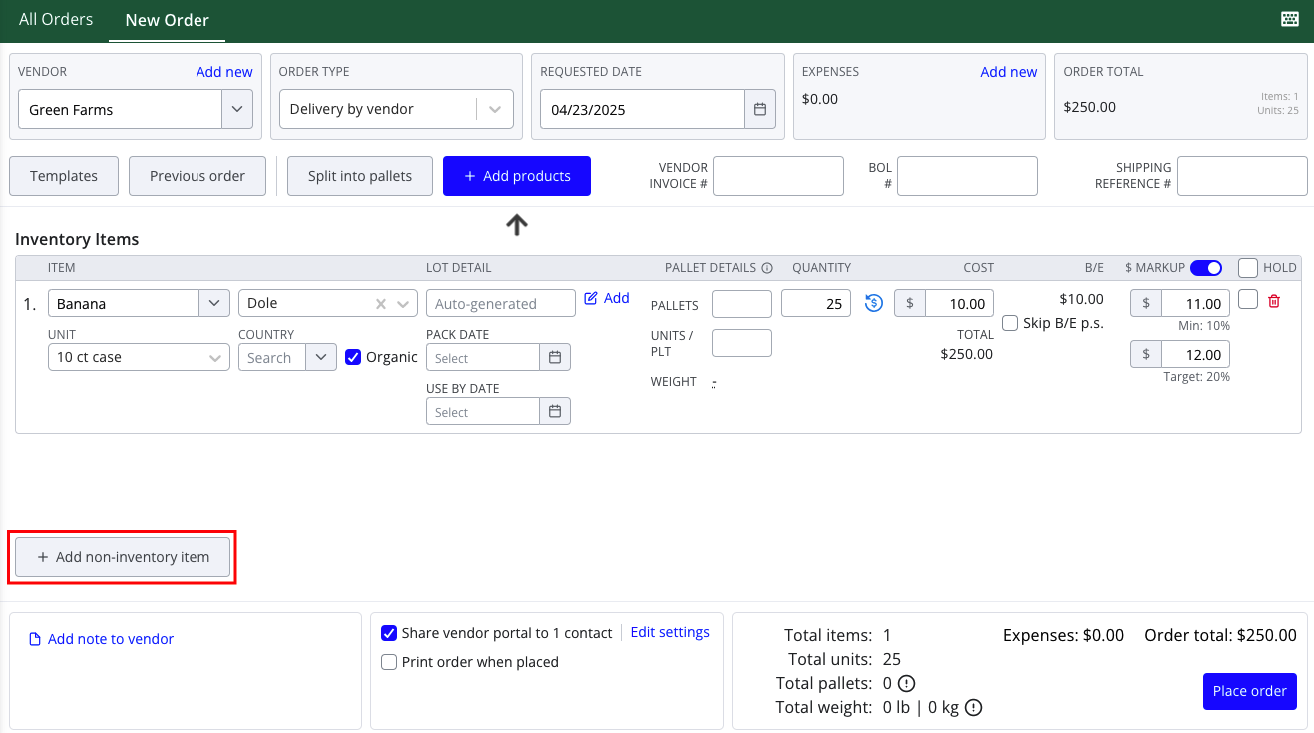
To add a non-inventory item to a PO:
- Navigate to Orders > Purchase Orders
- Access the New Order screen to create a new PO, or open an existing purchase order for editing from the All Orders screen
- Press Add non-inventory item
- Fill in an item name, category (and category description, if needed), quantity, and cost per unit
- Save changes or place your order
Note: Non-inventory items will not affect to the break-even pricing of order items, and they will not appear in liquidation reports at this time.