Administrators can add new users to their organization in Silo by taking the following steps:
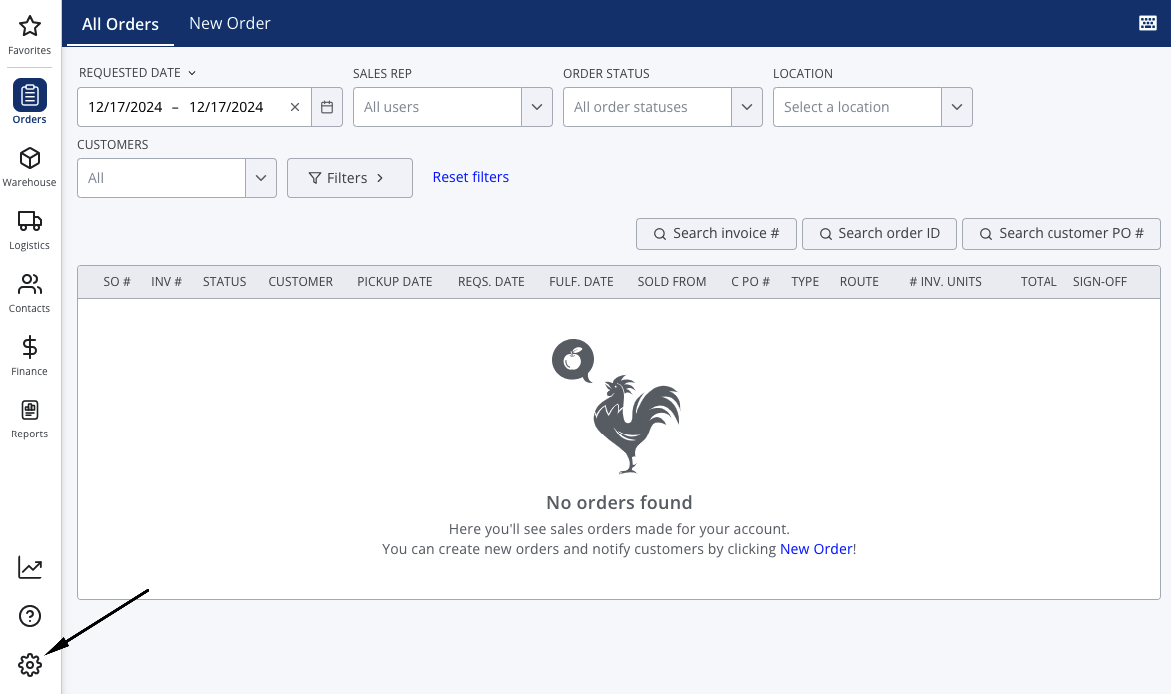
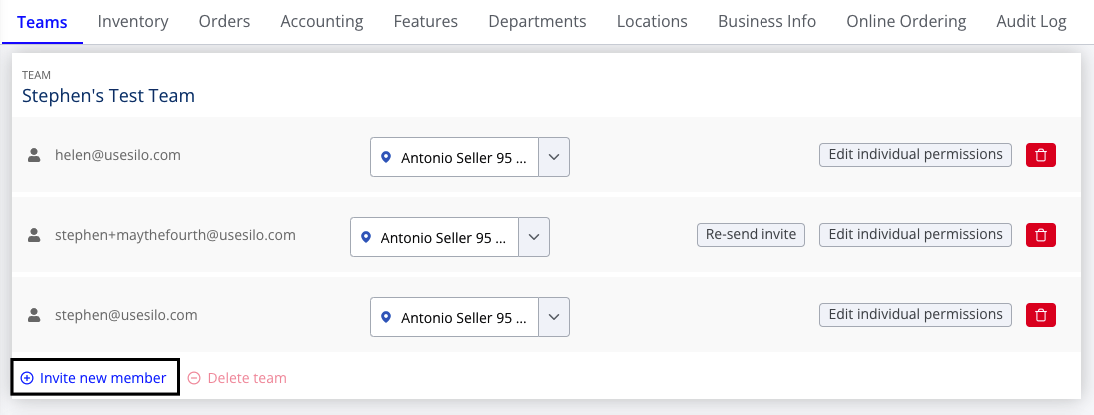
- Navigate to Settings > Teams
- Find the team the new user belongs to and press Invite new member
- Enter the new user's email address in the provided field
- Press Invite member
The new user will then receive an email with a link to create a password to sign in to Silo.

For information on how to set up user permissions, see the following article: