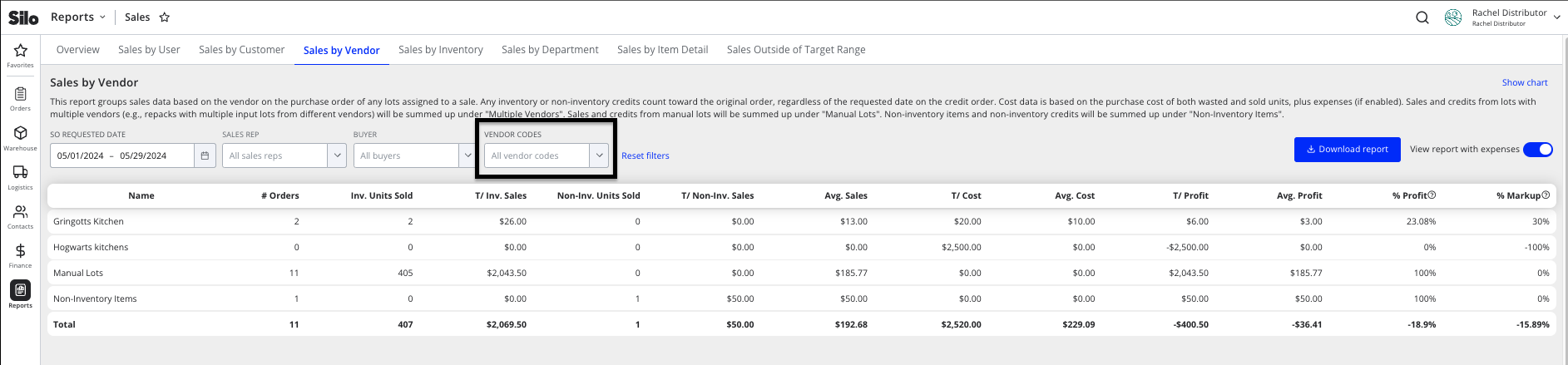
You can assign a code to one or more customers or vendors from within the Contacts > Customers and Vendors screens. You can use these codes to filter in other parts of the platform, such as the Statements screen.
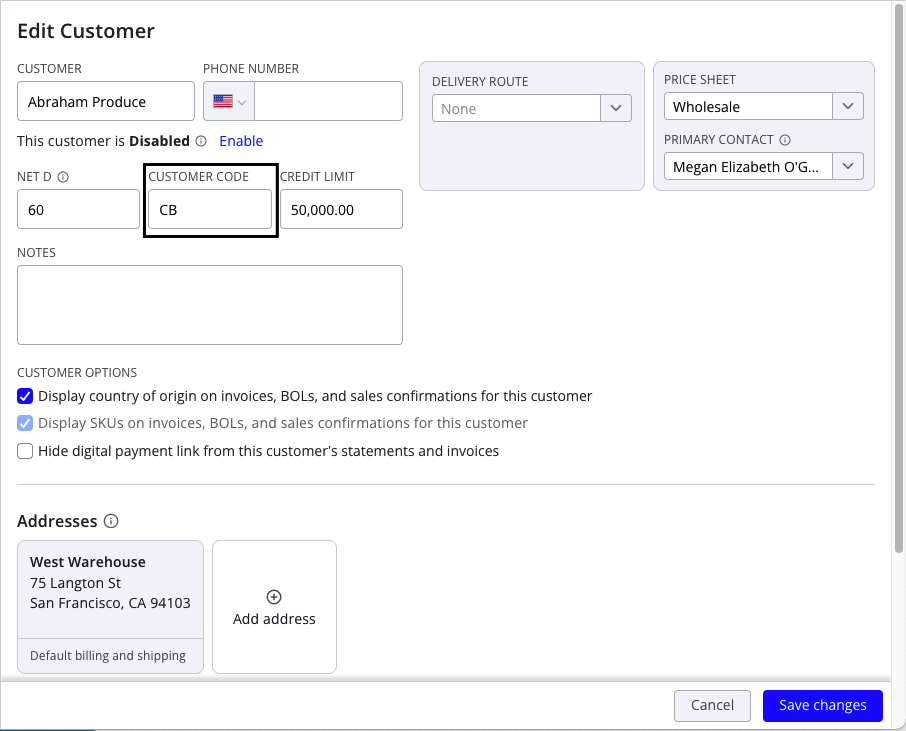
To add or edit a customer code:
- Navigate to Contacts > Customers
- Select the desired customer in the left pane
- Press Edit customer in the footer of the right pane
- Enter the desired code into the Customer Code field
- Press Save changes in the footer
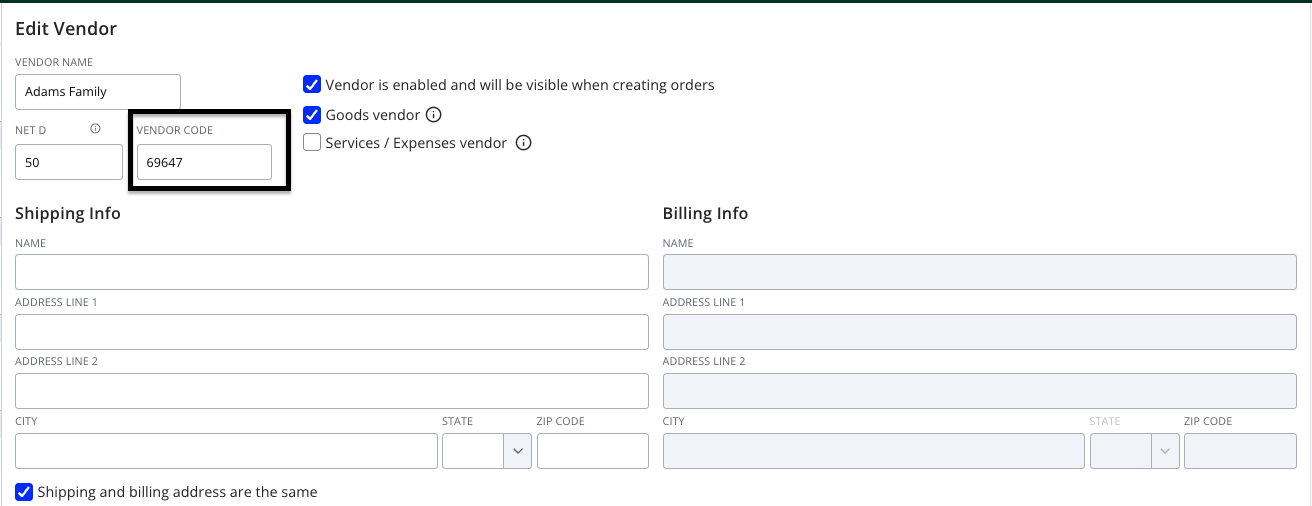
To add or edit a vendor code:
- Navigate to Contacts > Vendors
- Select the desired vendor in the left pane
- Press Edit vendor in the footer of the right pane
- Enter the desired code into the Vendor Code field
- Press Save changes in the footer
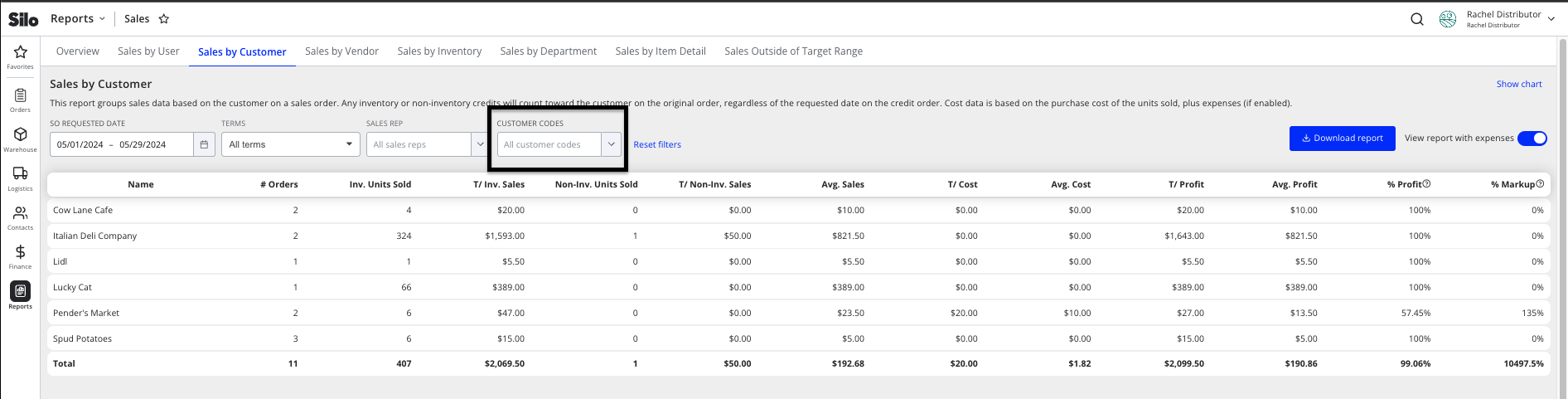
You can also filter by customer and vendor code within the Sales by Vendor, Sales by Customer, and Sales by Item Detail reports. For further information on reports, see the following article: Sales Reports
Sales by Customer:
Sales by Vendor: